To submit your site to Google for indexing, you can follow these three steps:
- Create a Google Search Console account and verify your ownership of the website by adding a verification code or verifying through your domain provider. For details go to https://search.google.com/search-console
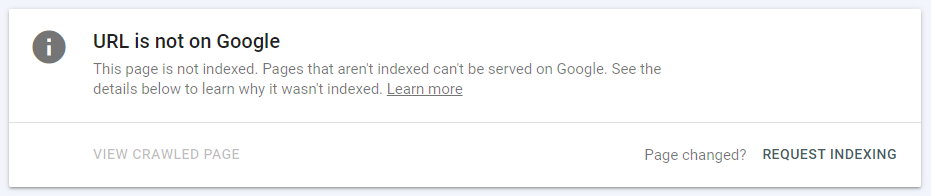
- Once verified, log in to your Google Search Console account and click on the property (website) you want to submit. Navigate to the “URL Inspection” tool and input the URL you want to index. Google will then check the URL’s eligibility for indexing.


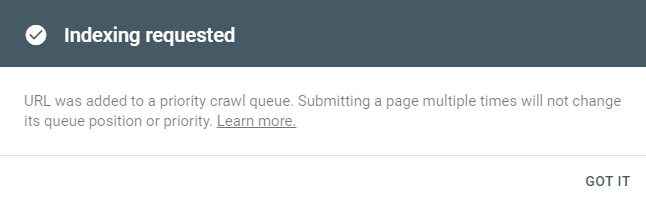
- If the URL is eligible, you can request indexing, and Google will crawl and index the page. It’s important to ensure that your website follows SEO best practices to improve its chances of being indexed and ranked effectively by Google.